
Localtech Eye
Localtech Eye: residents report problems, your council fixes them
A free app for residents. They take a photo, drop a pin and send the report to your council in two minutes. Your staff get it with the photos, the exact place and the resident's contact details.
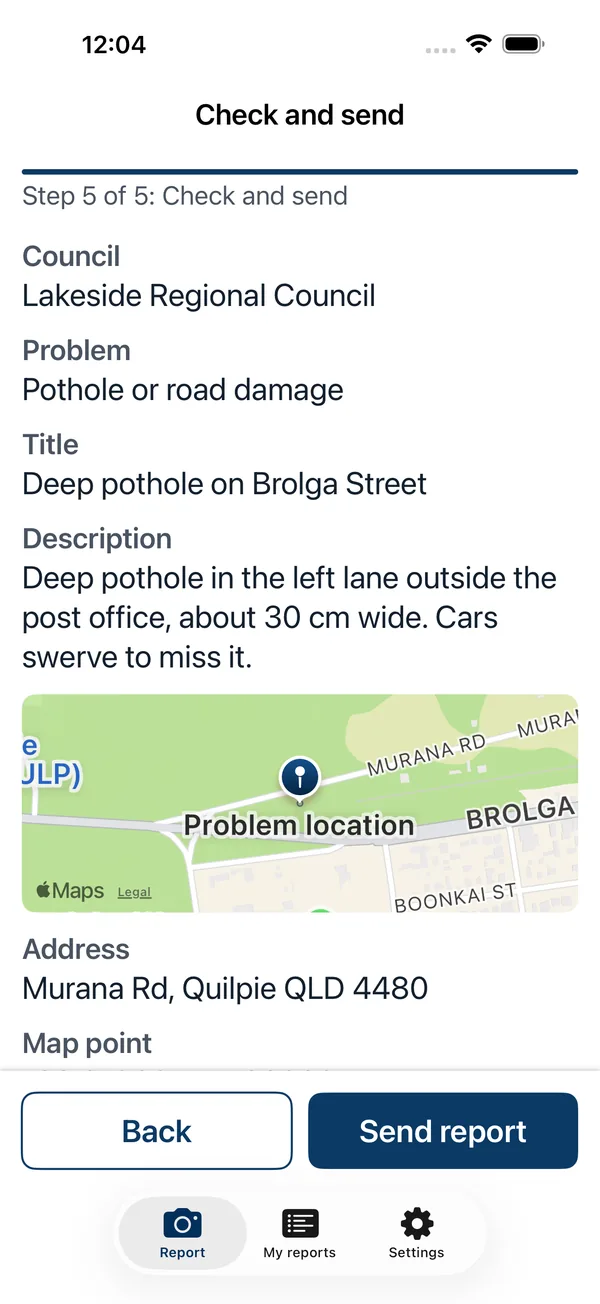
For residents
How it works for residents
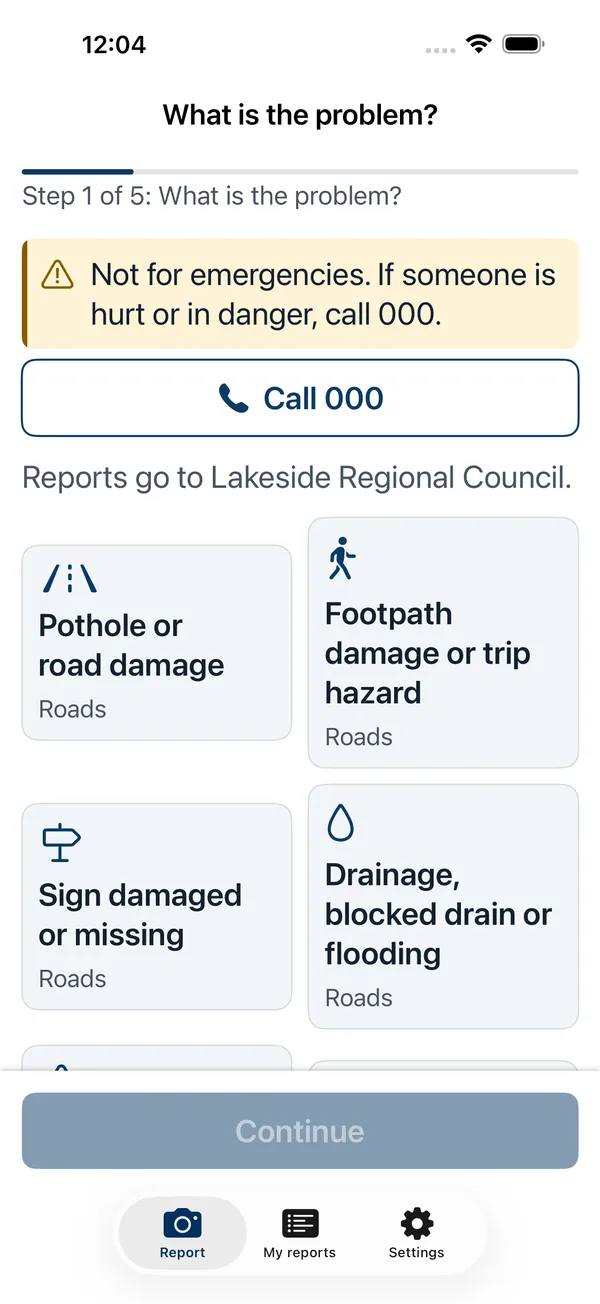 01Pick what it is.
Choose from the council's own list of problems.
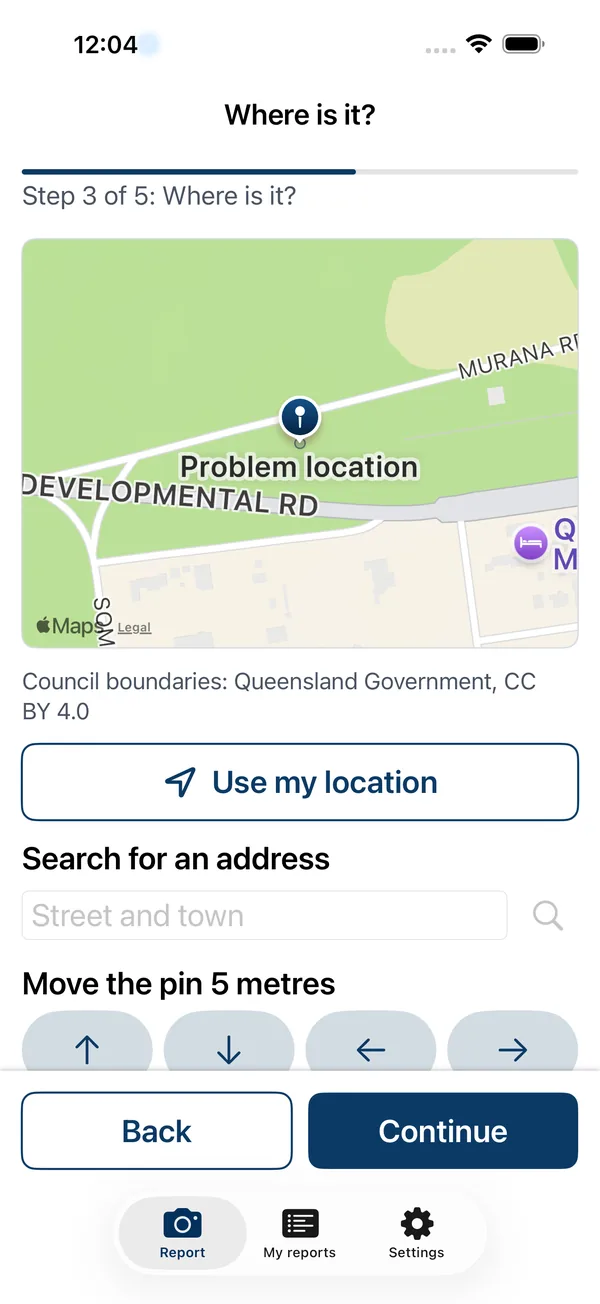 02Drop a pin.
The app checks that the spot is inside the council's area.
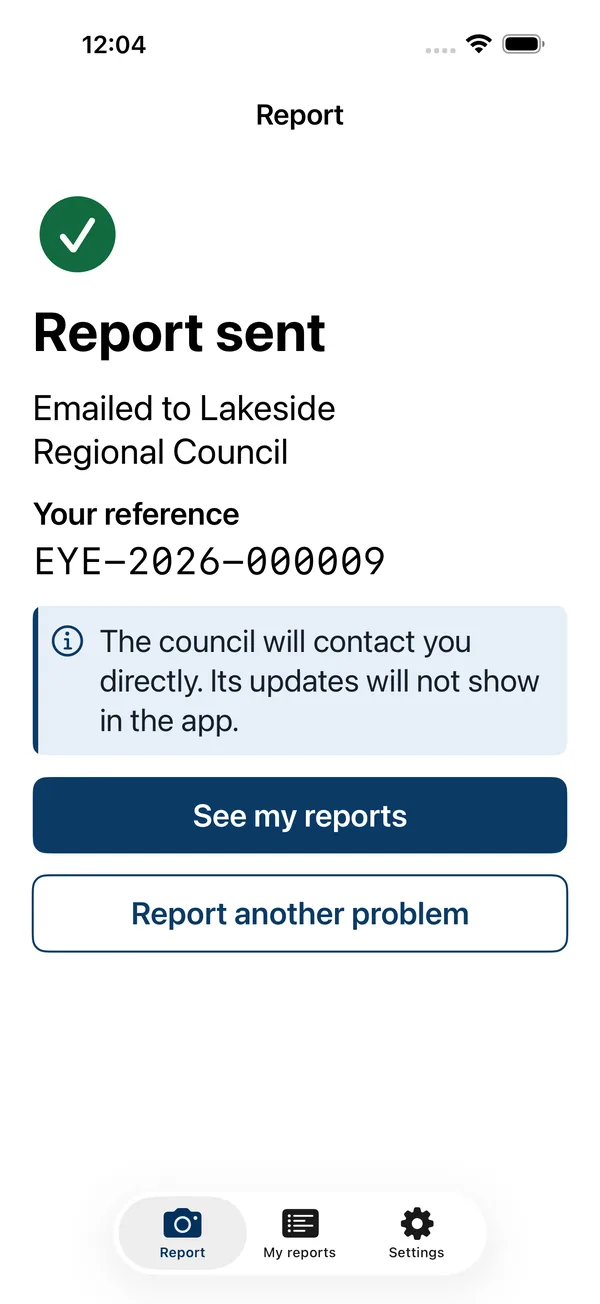 03Send it.
Up to five photos, with location details removed from the photos.
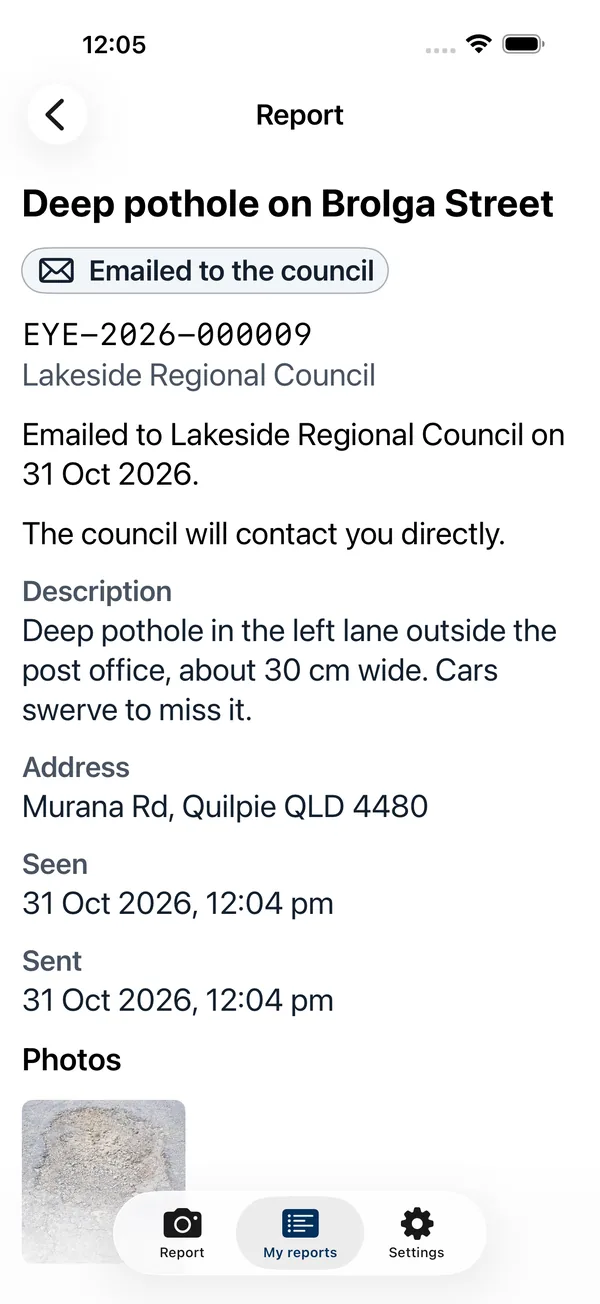 04Track it.
The resident keeps the report and its reference number in the app. The council contacts the resident directly.
For your council
What your council gets
Today
- Every report reaches your council by email, with the exact map point, the address, up to five photos and the resident's contact details.
- Fewer duplicates: residents see nearby open reports.
With Localtech Core (in development)
- Reports arrive as customer requests, ready to assign, so nobody retypes them.
- Status updates go back to the resident when staff schedule, update or close a request.
- Council updates show in the resident's app.
Data and hosting
Built for councils
- Each council's data sits in its own database.
- Hosted in Australia (Sydney).
- Your categories, your boundary, your contact details.
- Not for emergencies: the app tells residents to call 000.
Availability
Where it is available
Live for councils in Queensland, Australia, and in New Zealand. Councils in the rest of Australia and in the United Kingdom are being added now. The United States and Canada are next.
Get the app
Get the app
- App StoreComing soon
- Google PlayComing soon
Until the store apps are out, residents can report on the web.
Report on the webSee Localtech Eye with your council's data
Sources
- Council boundaries: Queensland Government, Local Government Area boundaries, CC BY 4.0.
- Council contact details: each council's own website.